Email.eu now has an app for Mac, Windows and Linux
Your workspace in a window of its own, and your Drive in sync with your computer. Version 0.1.1, on the Downloads page.
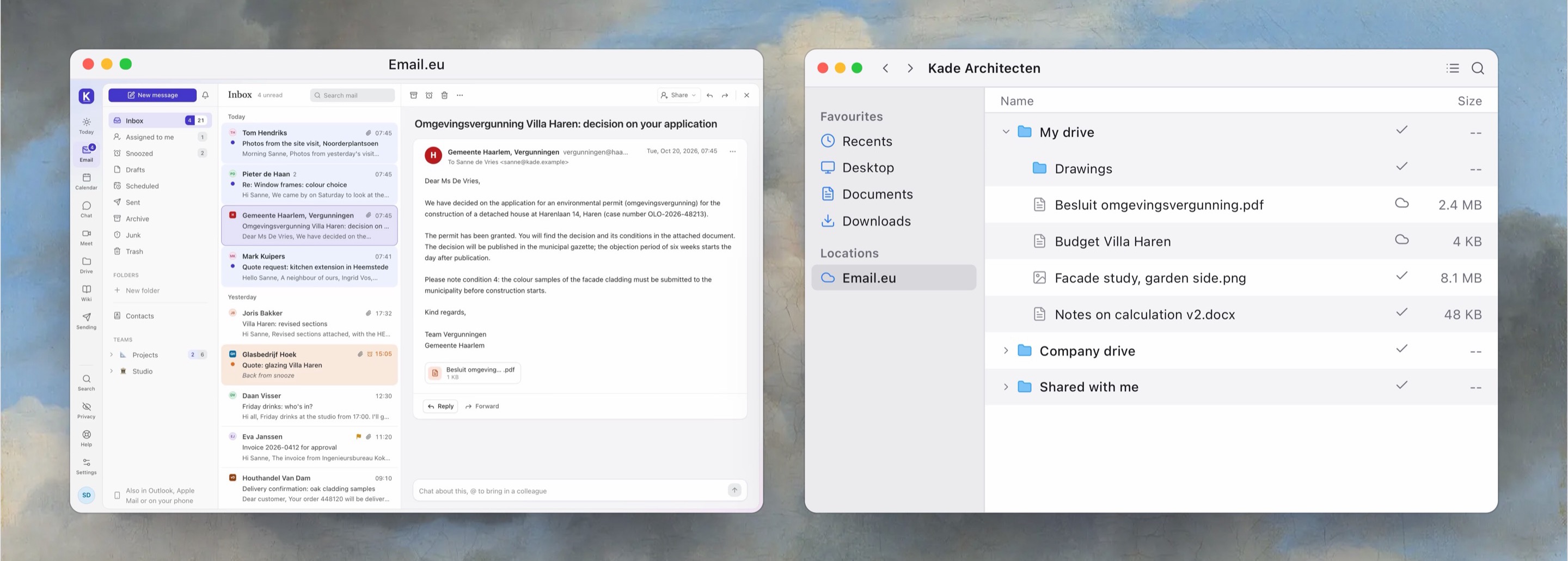
It's the same Email.eu you use in the browser: mail, calendar, chat and documents. The app gives it a window of its own, and keeps your Drive in sync with a folder on your computer.
What the app does
- A window of its own. Right from your Dock or taskbar, so it doesn't get lost among your browser tabs.
- Notifications from your computer. You see a new message without keeping a tab open.
- It keeps running. Close the window and the app stays on in the background, so your Drive keeps syncing.
Your Drive on your computer
In the app, choose “Keep Drive on this computer” at the foot of Drive. On a Mac it's called “Keep Drive in Finder”, and your Drive then shows up in Finder, next to your other places. On Windows and Linux it's a folder.
- Both ways. Save a file in the folder and it's in Drive. A colleague's change reaches you within seconds.
- Also offline. Change files without a connection. They go up when you're back online.
- Nothing gets overwritten. If you and a colleague change the same file, you keep both versions, side by side.
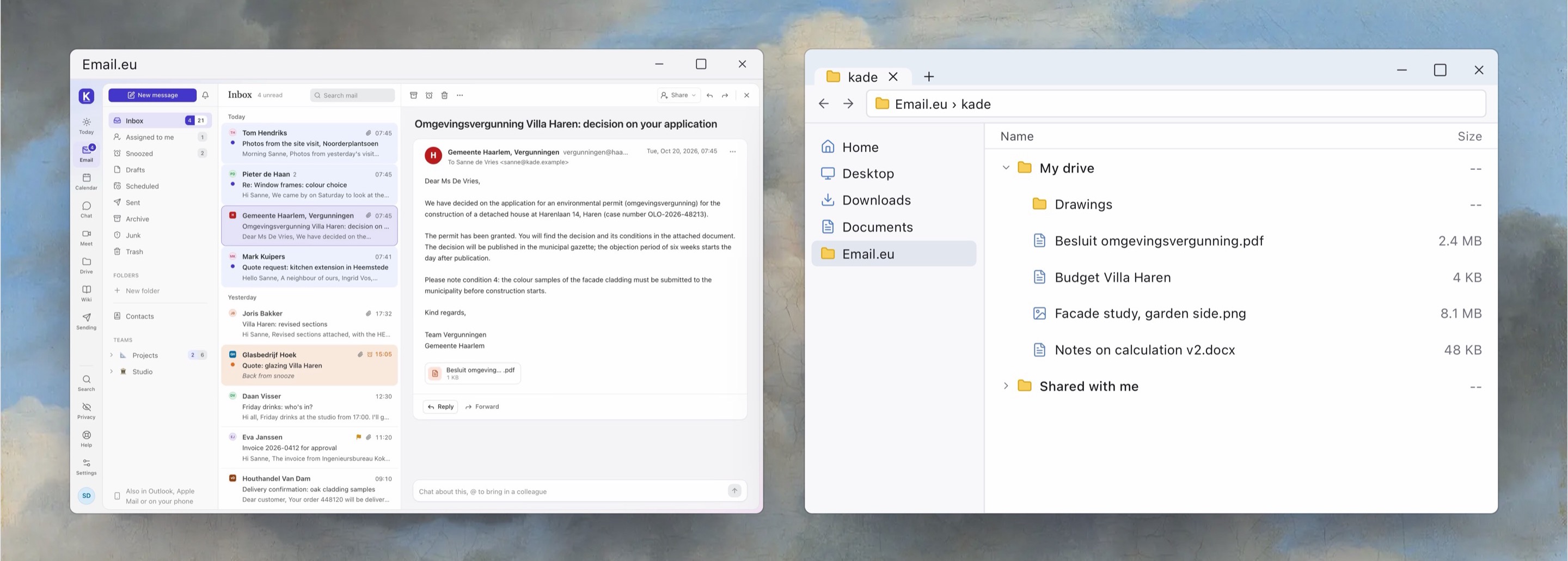
Your files stay where they are now: on our servers in Europe. The app keeps a copy on your computer and keeps the two the same.
Good to know
- Windows warns you when you install, because the installer isn't signed yet. Choose More info, then Run anyway. Signing for Windows is on its way.
- No automatic updates yet. For a newer version, download it again from the Downloads page.
- On Windows and Linux your whole Drive syncs to the folder, so it takes up that much space on your computer.
- The Mac app needs macOS 15 or later. It's signed and checked by Apple, for Apple silicon and Intel.
Phones
Apps for iPhone, iPad and Android are coming, but they aren't in the stores yet. Until then, Email.eu works in your phone's browser.
Download Email.eu for your Mac, Windows or Linux computer.
Written by the Email.eu team in Groningen.More from the blog